
Download MemTest86 – RAM testing tool, memory diagnostic utility, USB memory tester
Overview
MemTest86 is a specialized utility designed to diagnose and identify issues within a computer’s RAM, serving as a critical tool for maintaining system stability and performance. Unlike typical software applications, MemTest86 operates independently of any installed operating system, booting directly from a USB drive. This unique capability allows users to test memory integrity without relying on potentially corrupted or unstable OS environments. The tool is particularly valuable for diagnosing persistent crashes, blue screen errors, and data corruption—common symptoms of failing or faulty RAM modules.
Target users include both technical professionals and advanced home users who require a reliable method to validate hardware health. Whether used in enterprise IT departments, repair shops, or by individuals troubleshooting personal systems, MemTest86 offers a standardized, trusted solution for memory diagnostics. Its endorsement by Microsoft for Secure Boot compatibility enhances its credibility and ensures broad compatibility across modern hardware platforms. The developer, MemTest86, Inc., has established a reputation for delivering robust, open-source-based tools that prioritize accuracy and system integrity. The tool supports multiple RAM types, including DDR2, DDR3, DDR4, and DDR5, as well as SODIMM and ECC memory configurations, making it versatile for diverse computing environments.
MemTest86 plays a vital role in the broader ecosystem of hardware diagnostic software, filling a niche that standard OS tools often fail to address. By enabling deep, low-level memory testing, it helps prevent system failures and data loss. The application is especially useful during hardware upgrades, system builds, or post-repair validation, where ensuring memory reliability is paramount.
Key Features & Functionality
- USB Drive Operation: MemTest86 runs directly from a USB drive, eliminating the need for installation or an existing operating system. This allows users to initiate memory tests on any machine, even those unable to boot due to software corruption or hardware issues.
- Comprehensive RAM Tests: The software employs 13 distinct testing algorithms to thoroughly evaluate memory stability. These include pattern writes, bit flips, address line checks, and data retention tests, ensuring detection of subtle and intermittent errors that may not appear under normal usage.
- Wide RAM Compatibility: MemTest86 supports a broad spectrum of memory types, including DDR2, DDR3, DDR4, DDR5, SODIMM, and ECC memory. This makes it suitable for testing desktops, laptops, servers, and embedded systems across various industries.
- Automation Profiles: Users can configure automated test profiles that run continuously without manual input. This feature is ideal for extended testing sessions, such as overnight diagnostics, reducing the need for constant monitoring.
- Secure Boot Compatibility: Verified by Microsoft, MemTest86 is compatible with Secure Boot, allowing users to run it without disabling critical security features. This ensures system integrity while enabling deep hardware diagnostics.
Real-world use cases include validating RAM after hardware upgrades, diagnosing random system crashes in professional workstations, and ensuring memory reliability in mission-critical servers. For IT technicians, it serves as a trusted tool for field diagnostics, while hobbyists can use it to verify the stability of custom-built PCs.
Interface, UX & Performance
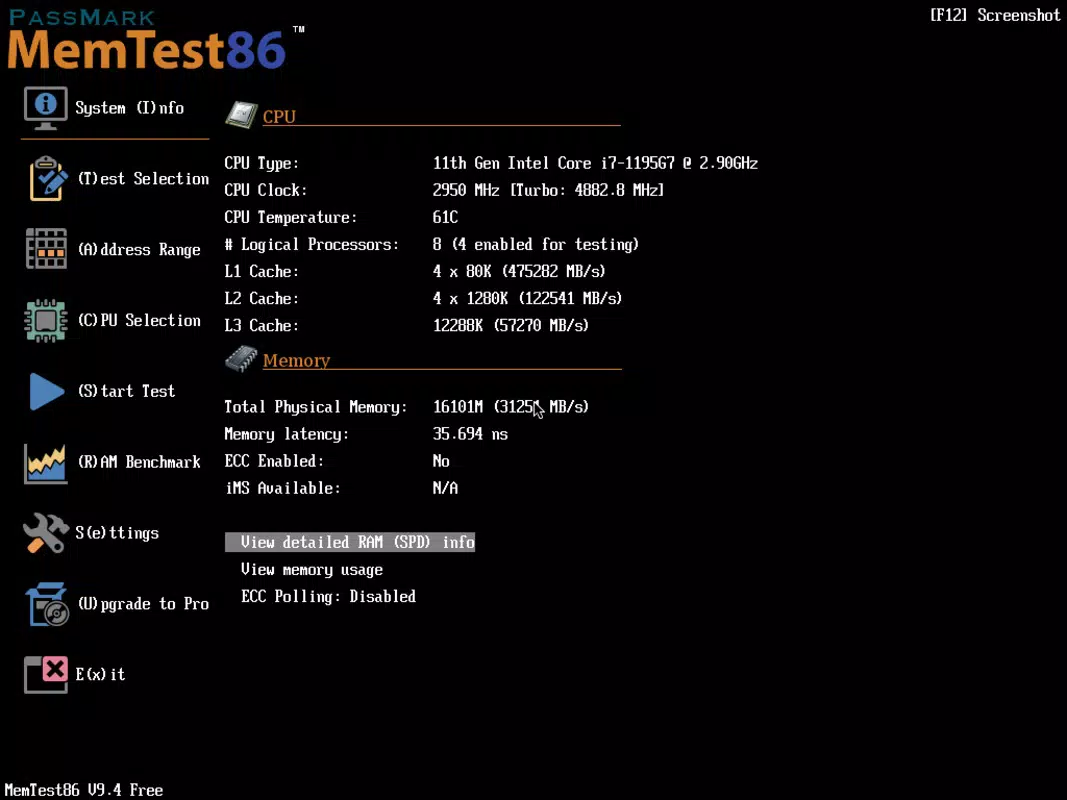
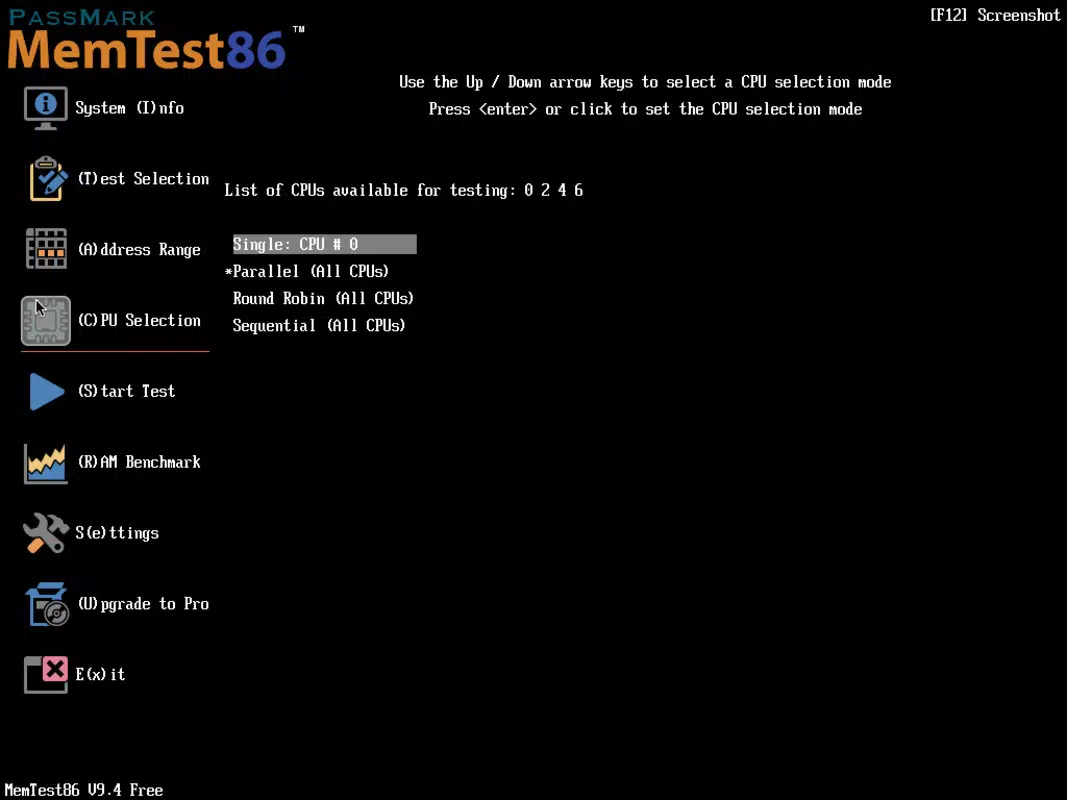
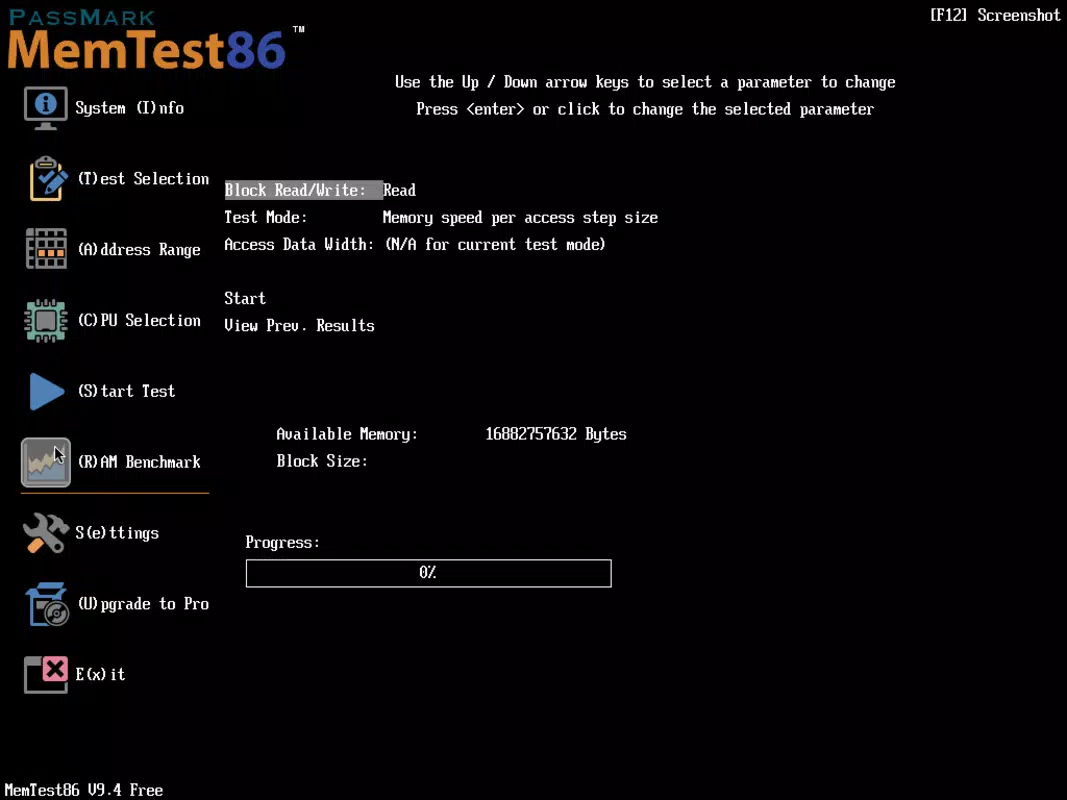
MemTest86 features a minimalistic, text-based interface optimized for functionality over aesthetics. The user experience is straightforward: after booting from the USB drive, the application launches automatically, presenting a clean dashboard that displays test progress, error counts, and current algorithm in use. Navigation is limited to basic keyboard inputs, which is appropriate given the tool’s low-level nature and target audience.
Despite its simplicity, the interface is highly effective for its intended purpose. Users can view real-time statistics, pause or stop tests, and review detailed logs after completion. The application maintains a consistent performance across various device categories, including laptops, desktops, and servers, though the developer did not list formal performance metrics. Although the tool operates in a bare-metal environment, it is designed to be lightweight and stable, minimizing interference with the hardware being tested.
Responsiveness is adequate for diagnostic tasks, with minimal lag during test execution. The application remains stable even during prolonged testing sessions, which is essential for detecting intermittent memory faults. The lack of graphical elements ensures that system resources are fully dedicated to memory testing, enhancing accuracy and reliability. Overall, the UX is efficient and purpose-driven, aligning with the expectations of advanced users who prioritize functionality over visual polish.
Platform Compatibility & Technical Requirements
MemTest86 is available for Windows, macOS, and Linux platforms, providing broad accessibility across different computing environments. The current version, 8.6.0, is distributed as a 128 MB file, making it compact and easy to download and deploy. The application is designed to run from a USB drive, requiring no installation on the host system.
The developer did not specify minimum OS requirements or hardware compatibility beyond the supported RAM types. However, given its bootable nature and Microsoft Secure Boot verification, it is compatible with most modern systems equipped with UEFI firmware. Users should ensure their device supports USB booting and has a functional USB port. Specific requirements were not listed, so compatibility may vary depending on individual hardware configurations.
Pros and Cons
Pros
- Runs independently from any operating system, ideal for diagnosing boot issues.
- Supports a wide range of RAM types, including DDR5 and ECC memory.
- Verified by Microsoft for Secure Boot compatibility, ensuring system security.
- Includes 13 advanced testing algorithms for thorough diagnostics.
- Automated testing profiles reduce the need for manual oversight.
- Free to download and use, with no licensing restrictions.
Cons
- Text-based interface may be intimidating for non-technical users.
- No official mobile app version; limited to desktop and laptop systems.
- Requires a USB drive for operation, which may be inconvenient for some users.
- Developer did not provide detailed system requirements or performance benchmarks.
- Testing process requires user intervention to initiate and interpret results.
FAQ
Is MemTest86 safe to use on my computer?
Yes, MemTest86 is designed to be safe and non-destructive. It only reads and writes to RAM for diagnostic purposes and does not modify system files or installed software.
Can I use MemTest86 on a laptop?
Yes, MemTest86 is compatible with laptops that support USB booting and have accessible USB ports. It works on both desktops and laptops across Windows, macOS, and Linux systems.
Do I need to install MemTest86?
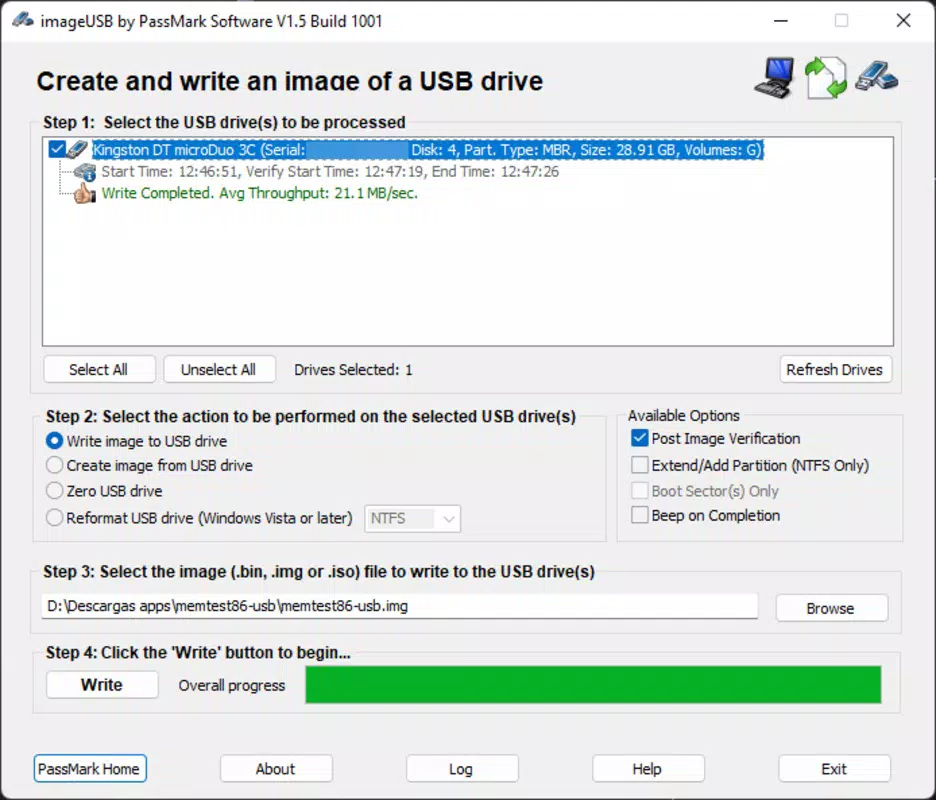
No, MemTest86 does not require installation. It runs directly from a USB drive after being prepared using the provided tools.
Is MemTest86 free to download?
Yes, MemTest86 is completely free to download and use, with no hidden fees or subscription models.
How long should I run MemTest86 for accurate results?
For reliable results, it is recommended to run MemTest86 for at least one full pass. For more thorough diagnostics, especially on older or unstable systems, multiple passes or extended testing sessions are advised.
Final Thoughts
MemTest86 stands out as a powerful, no-frills solution for diagnosing RAM-related issues in modern computing environments. Its ability to operate outside the OS, combined with extensive testing algorithms and Secure Boot compatibility, makes it a trusted tool among professionals and enthusiasts alike. While its interface is minimal and not suited for beginners, its functionality is unmatched in the realm of memory diagnostics.
Users who prioritize system stability, data integrity, and hardware reliability will find significant value in this tool. Whether you're building a new PC, troubleshooting a crashing system, or validating server hardware, MemTest86 delivers dependable results. Its free availability and broad compatibility further enhance its appeal.
Download MemTest86 now


